Best Free Unity VR Eye Tracking Assets in 2026
In This Article
Eye tracking in VR has moved from a futuristic feature to a practical developer tool in 2026. The technology enables two major categories of improvement: foveated rendering (rendering high detail only where you are actually looking, dramatically improving GPU performance) and gaze-based interaction (using your eye direction to control interfaces, aim, or trigger events without using controllers).
The key challenge for Unity developers is that eye tracking support varies significantly across headsets, and the APIs to access it are fragmented across different SDKs. This guide covers the four best free Unity assets that help you implement eye tracking correctly, with honest notes on which headsets actually support the hardware required.
Which VR Headsets Support Eye Tracking in 2026
Before downloading any eye tracking asset, confirm whether your target headset actually has the hardware. This is a common point of confusion for new VR developers.
| Headset | Eye Tracking | Notes |
|---|---|---|
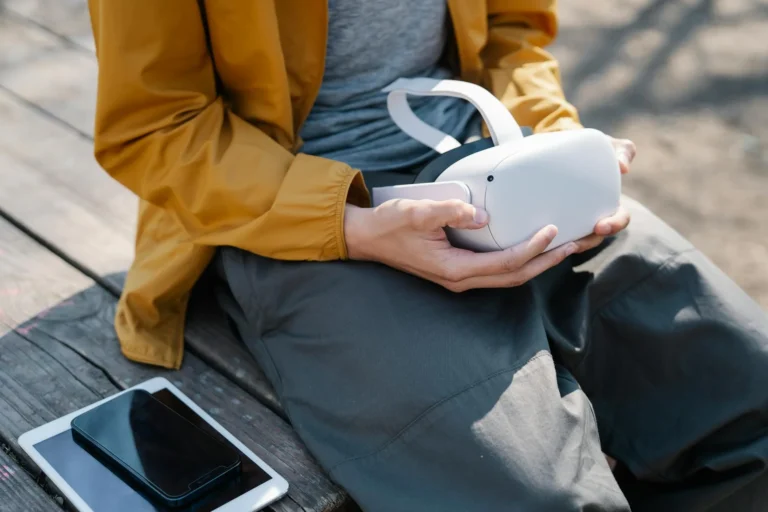
| Meta Quest Pro | Yes | Full eye and face tracking, requires user permission |
| Meta Quest 3 | No | No eye tracking hardware — foveated rendering is fixed-fovea only |
| Meta Quest 3S | No | No eye tracking hardware |
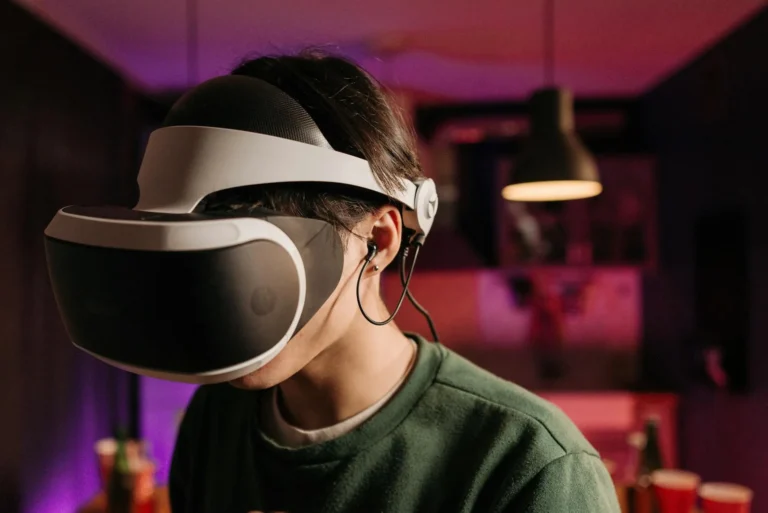
| PlayStation VR2 | Yes | Eye tracking used for foveated rendering; gaze API available for developers |
| Varjo Aero / XR-4 | Yes | Professional-grade eye tracking, enterprise segment |
| HTC Vive Pro Eye | Yes | Legacy device but still used in enterprise |
| Apple Vision Pro | Yes | Primary interaction method; Unity support via PolySpatial |
Important note: If you are targeting Meta Quest 3 or Quest 3S (the most popular consumer headsets in 2026), eye tracking APIs will return no data as those devices do not have the hardware. Your app should gracefully fall back to controller-based or hand-tracking interaction.
1. Meta XR Eye Tracking SDK
Meta XR Eye Tracking SDK
The Meta XR Eye Tracking SDK is Meta’s official Unity package for accessing eye and face tracking data on the Meta Quest Pro. It provides gaze direction vectors, blink detection, eye openness values, and face expression blend shapes in a clean, well-documented API. The SDK integrates with Meta’s broader XR framework and is designed to work alongside the Meta XR Core SDK that most Quest developers are already using.
The package includes full C# API access to per-eye gaze rays, combined gaze direction, confidence values (useful for detecting when tracking quality drops), and eye-specific data like pupil position and iris pose. Sample scenes are included to demonstrate gaze visualisation, gaze-driven object highlighting, and performance metrics. The SDK handles the required user permission prompt — eye tracking on Quest Pro requires explicit user consent at runtime, and the SDK abstracts this cleanly.
Pros
- Official Meta SDK — best possible support for Quest Pro hardware
- Clean, well-documented API with full C# access
- Handles user permission prompt automatically
- Includes face tracking alongside eye tracking
- Free and actively maintained by Meta
- Works alongside existing Meta XR Core SDK setup
- Sample scenes included for immediate experimentation
Cons
- Quest Pro only — no data on Quest 3 or Quest 3S
- Requires Android build target and Meta developer account setup
- Eye tracking requires user permission — some users deny it
2. OpenXR Eye Tracking Extension
OpenXR Eye Tracking Extension (XR_EXT_eye_gaze_interaction)
The OpenXR Eye Gaze Interaction extension is not a standalone asset but a standardised feature built into Unity’s OpenXR Plugin package. It provides a hardware-agnostic way to access gaze direction across any OpenXR-compliant headset that supports eye tracking. Instead of writing platform-specific code for Meta, Varjo, or HTC separately, you use the same OpenXR Eye Gaze Input source and your code works across all supported devices.
In Unity, you access it via the Input System by binding to the EyeGaze pose action, which gives you a 3D position and rotation representing the combined gaze direction. The accuracy is slightly lower than platform-native SDKs because it goes through the abstraction layer, but for most use cases (gaze interaction, attention analytics, social VR) the difference is negligible. For foveated rendering specifically, you will want the platform-native SDK for maximum precision.
Pros
- Single codebase works across all OpenXR eye tracking headsets
- Already included in Unity’s OpenXR Plugin — no extra download
- Standard API that will not be deprecated by platform changes
- Well supported by Unity’s XR documentation
- Works with Unity’s new Input System architecture
Cons
- Slightly lower accuracy than platform-native SDKs
- No face tracking — only eye gaze direction
- Setup requires understanding of Unity’s Input System action map
- Still requires platform-specific permission setup on some headsets
3. Foveated Rendering Toolkit
Foveated Rendering Toolkit for Unity VR
Foveated rendering is the most immediate and compelling use case for eye tracking in VR. The idea is straightforward: the human eye has high-resolution perception only in a small central region (the fovea). Everywhere outside that central region, detail drops rapidly. Foveated rendering exploits this by rendering the region where the eye is actually looking in full quality, while rendering peripheral areas at lower resolution. On GPU-demanding scenes, this can improve frame rate by 30 to 60 percent with no perceptible visual quality loss.
The Foveated Rendering Toolkit provides a Unity implementation that combines eye gaze data from the Meta XR SDK or OpenXR with Unity’s Universal Render Pipeline (URP) or Built-In render pipeline to dynamically adjust rendering resolution per region. It includes an editor configuration panel for adjusting the foveal region size and sharpness falloff, performance profiling tools to measure the actual GPU benefit, and a fallback mode for headsets without eye tracking that uses a fixed-fovea approximation.
Pros
- Meaningful real-world performance gains — 30 to 60 percent GPU improvement possible
- Visual quality loss is imperceptible when tuned correctly
- Editor configuration panel — no manual shader editing required
- Fallback mode works even on headsets without eye tracking
- URP and Built-In pipeline support
- Active maintenance and documentation
Cons
- Performance gains only materialise on headsets with actual eye tracking hardware
- Requires eye tracking latency to be low — high latency causes visible quality shifts
- Setup requires understanding of render pipeline configuration
- HDRP not supported in current version
4. Gaze-Based UI Interaction Sample
Gaze-Based UI Interaction Sample
This sample project demonstrates a complete implementation of gaze-based UI interaction in Unity — using eye direction to navigate menus, select buttons, and interact with world-space UI elements without requiring hand controllers. It is primarily aimed at accessibility applications, social VR experiences, and any scenario where hands-free interaction is preferred or required.
The sample includes a dwell-time selection system (look at a button for N milliseconds to activate it), a gaze cursor that smoothly follows eye direction with lag filtering to prevent jitter, integration with Unity’s UI Toolkit and legacy UGUI Canvas systems, and scripts for gaze-driven object highlighting. The code is clean and well-commented, making it an excellent starting point for building your own gaze interaction system rather than a drop-in solution. Understanding the sample deeply will save weeks of implementation time.
Pros
- Complete working implementation — not just a proof of concept
- Covers dwell selection, gaze cursor, and object highlighting
- Works with both Unity UI Toolkit and legacy UGUI
- Well-commented code — easy to learn from and customise
- Practical accessibility application — valuable for enterprise VR
- Free and permissively licensed
Cons
- A sample project rather than a packaged plug-in — requires integration work
- Dwell-time selection feels slow compared to controller input for power users
- Limited to UI interaction — not a general-purpose gaze interaction framework
Practical Use Cases for Eye Tracking in Unity VR Projects
Eye tracking is not just a novelty feature. Here are the most practical applications that justify the implementation effort:
Foveated Rendering (Performance): The clearest technical win. Render full quality only where the user is looking. On complex scenes targeting Quest Pro, this is the fastest path to hitting 90fps consistently. Every performance-sensitive VR application targeting eye-tracking headsets should implement this.
Gaze-Based UI Navigation (Accessibility): Allows users with limited hand mobility to navigate VR interfaces using only their eyes. Dwell-time selection on buttons, gaze-triggered audio feedback, and eye-driven cursor movement make VR accessible to users who cannot operate hand controllers reliably. This is increasingly important for enterprise and medical VR applications.
Social VR Eye Contact (Presence): In multiplayer or social VR experiences, driving avatar eye movement from actual tracked eye direction creates a powerful sense of presence and authentic connection between users. When another user’s avatar makes genuine eye contact, the social weight of the interaction increases dramatically. Applications like VRChat and Horizon Worlds use this to significant effect.
Attention Analytics (Research and Training): Recording where a VR user looks during a training simulation or safety scenario provides objective data about attention patterns. Did the trainee notice the hazard sign? How long did they fixate on the control panel? Eye tracking turns VR training from subjective to measurable.
Which Eye Tracking Asset Should You Start With
Start with the OpenXR Eye Gaze Interaction Extension if you want maximum platform flexibility — it requires no extra download and works across all OpenXR headsets with eye tracking support. If you are building specifically for Meta Quest Pro, add the Meta XR Eye Tracking SDK for access to higher-accuracy gaze data and face expressions. Add the Foveated Rendering Toolkit as a second step once your scene is complete and you are optimising for frame rate. Study the Gaze-Based UI Interaction Sample if you are building any kind of accessible or hands-free interface — the implementation patterns it demonstrates will save significant development time.